API Key Management
2 minute read
API Key Management
In the API Key Management section, you can create, view and delete API keys.
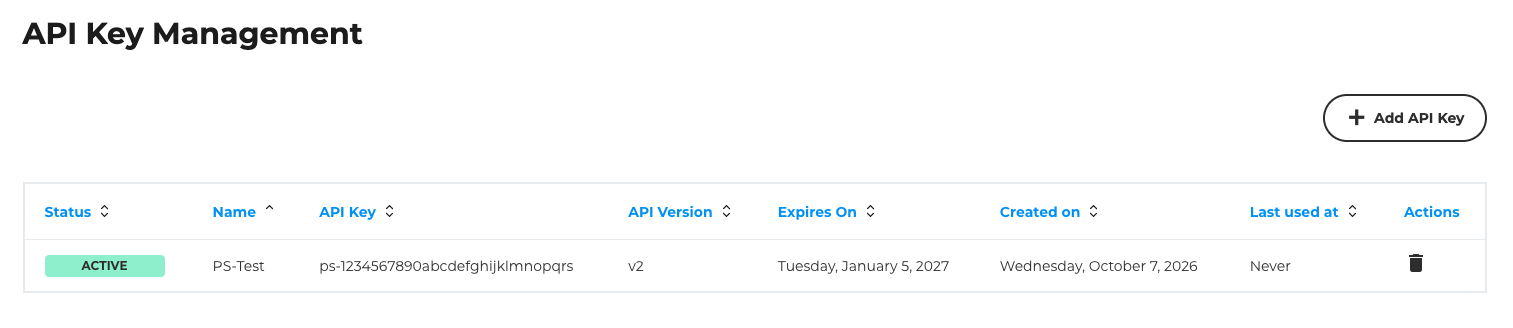
API keys for the CloudHub API have an expiry date and must be renewed after a certain period. Eight weeks before they expire, we will remind you to renew your API keys via a banner and an email. The email is sent once a week.

If no API keys have been created yet, only the button for creating an API key will be displayed.
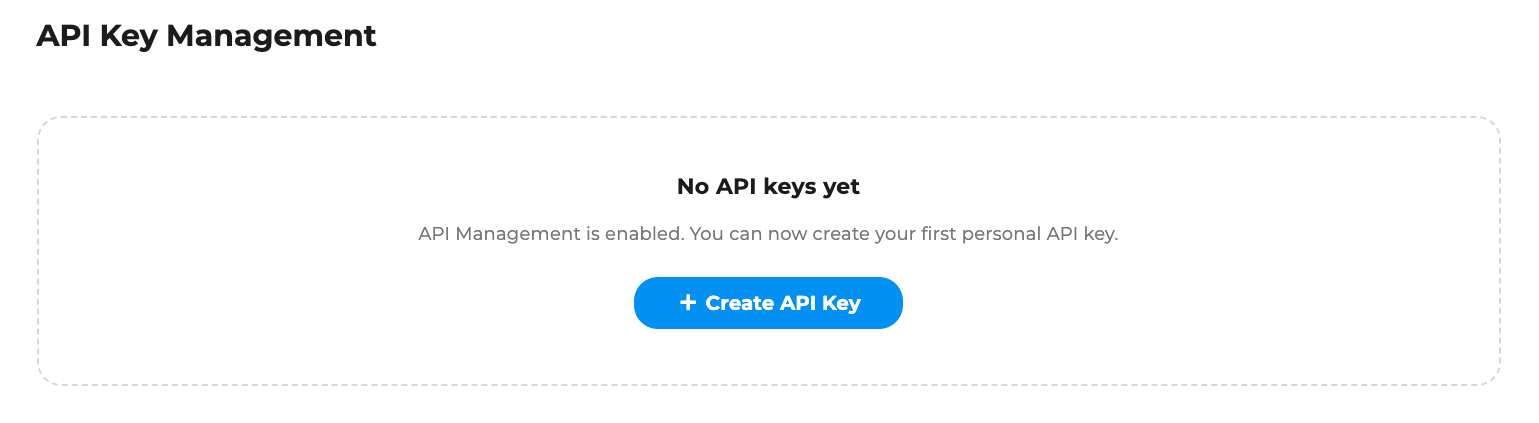
Create an API Key
Click on “Add API Key” (if you have not yet created any API keys, the button will say “Create API Key”). You will then be taken to a form where you must enter the following details:
| API Key Name | The name under which the API key is to be displayed. This is not used for authentication. |
| Desired API version | The CloudHub API is versioned, and a new version is rolled out in the event of breaking changes. Here you can select the version for which you wish to create an API key. |
| Expiry date | API keys for the CloudHub API must be renewed after a certain period of time. Here you can select the duration. You can choose between 30, 90 and 180 days. |
| IP range to which the API key should be restricted | You can restrict your API key to a specific IP range; it will then only be valid for requests originating from that IP range. This selection is optional and can be made or adjusted again after creation in Identity & Access Management. |

Once you have submitted the form, you will be taken back to the overview page, where you will see the API Key ID and the API Key Secret for the key you have created displayed in a green box at the top of the page. These two pieces of information are required to authenticate your requests using the corresponding API key. The API key secret is only displayed immediately after creation. Once you leave the page, it will not be displayed again. The API key ID will continue to be displayed in the overview table.
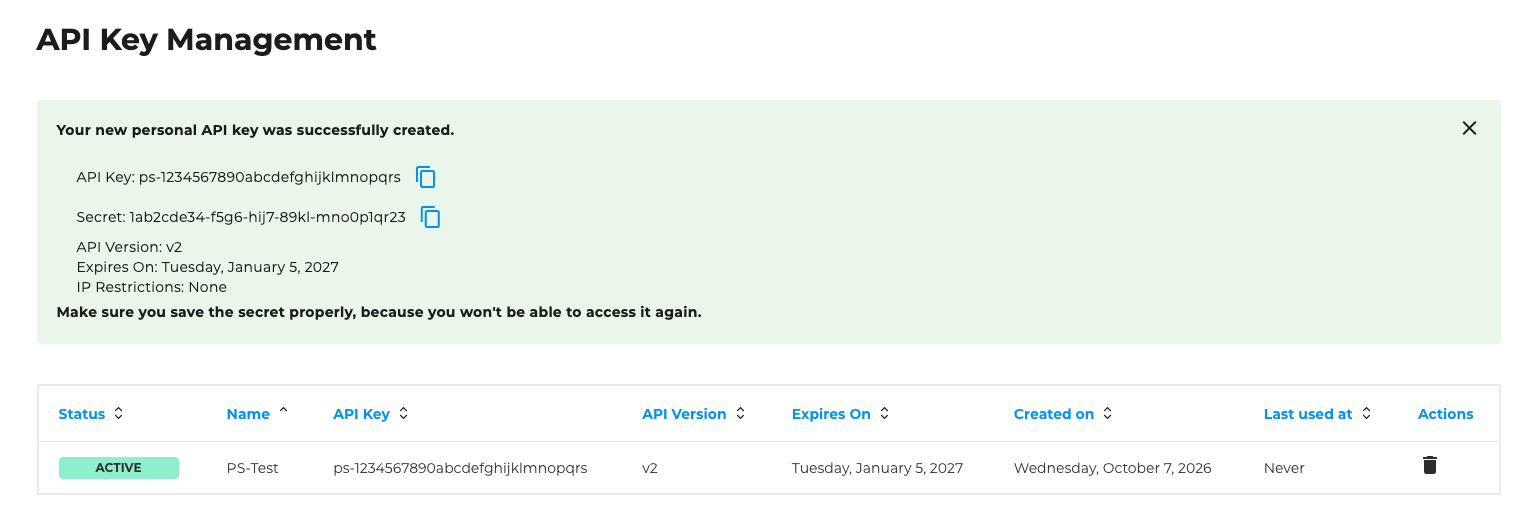
To be able to use your API key, you must grant it permissions. You can find instructions on how to do this here.