Products / Services
2 minute read
Products / Services
The “Products / Services” page provides you with a clear overview of all the products and services you have purchased from us. The information is displayed in a table and can be flexibly filtered or searched.
Functions at a glance
Product overview
In the table you will find a complete list of your purchased products including relevant information such as product name, product type, status and much more.
Search function
You can search for specific products using a central search field above the table. The search is performed across all displayed columns.
Filter options
The following filters are available to narrow down the view:
- Status of the product (e. g. active, inactive)

- Product name

- Product type

To filter by product name or product type, click on the “Edit filter” button.
Export function
You have the option of downloading the current table view as a CSV file. This allows you to further process or archive your product data if required.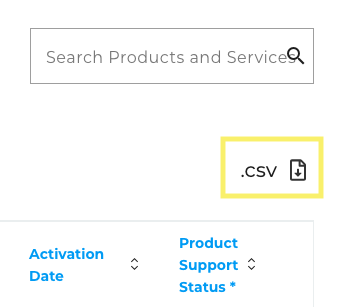
Detailed view
By clicking on a row in the product overview table, you can access the detailed view of the product.
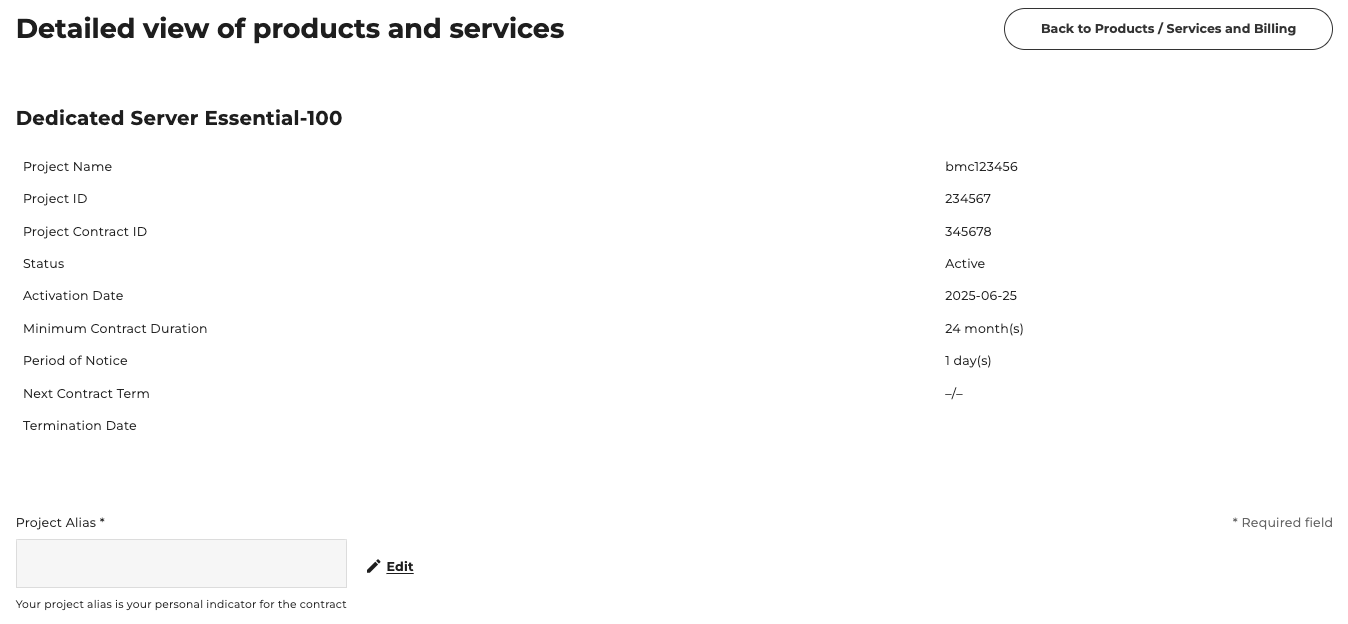
General product information
At the top of the page, you will see key information about the product and have the opportunity to edit the project alias, your personal contract identifier.
Further content
Below the general information, you can see further details and content about the product, divided into three tabs:
Product content
The detailed contents of the contract are shown here in a table.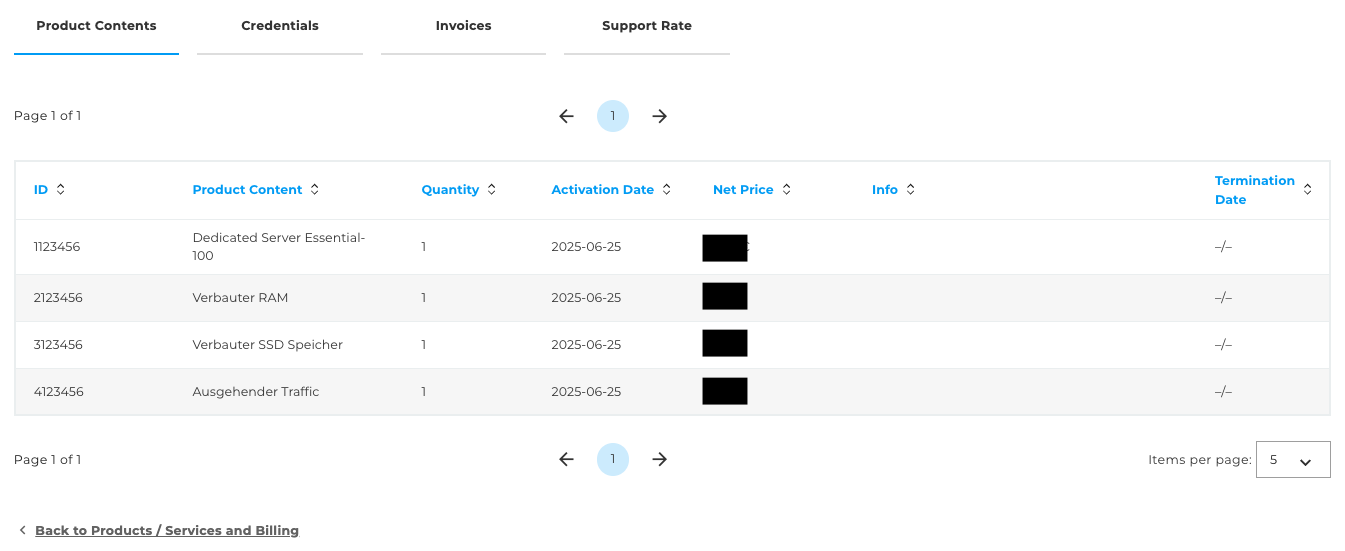
Credentials
If Credentials are stored for the product and you have the necessary authorisations to view it, the access data is displayed here.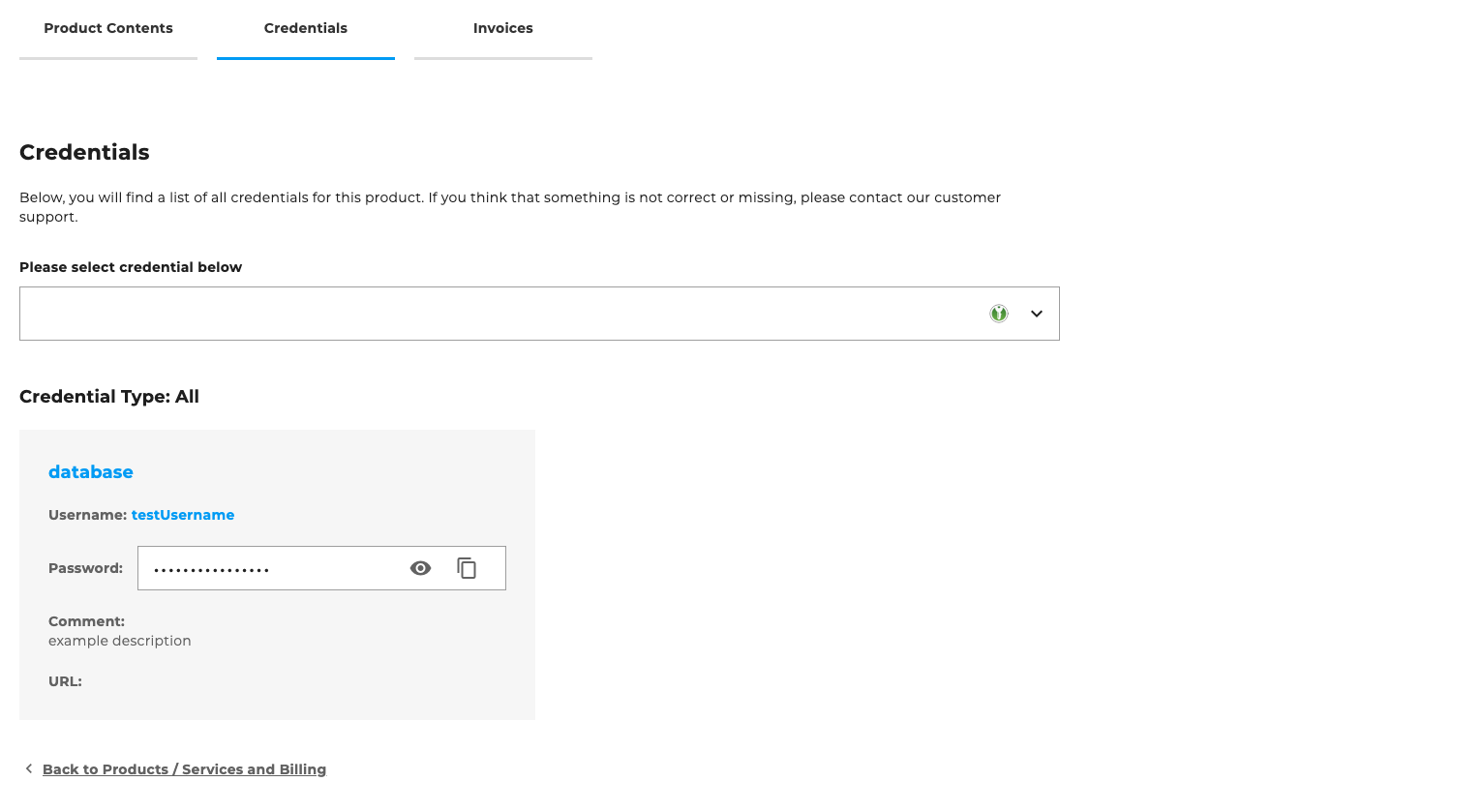
Invoices
Overview of all invoices associated with this product, including download option.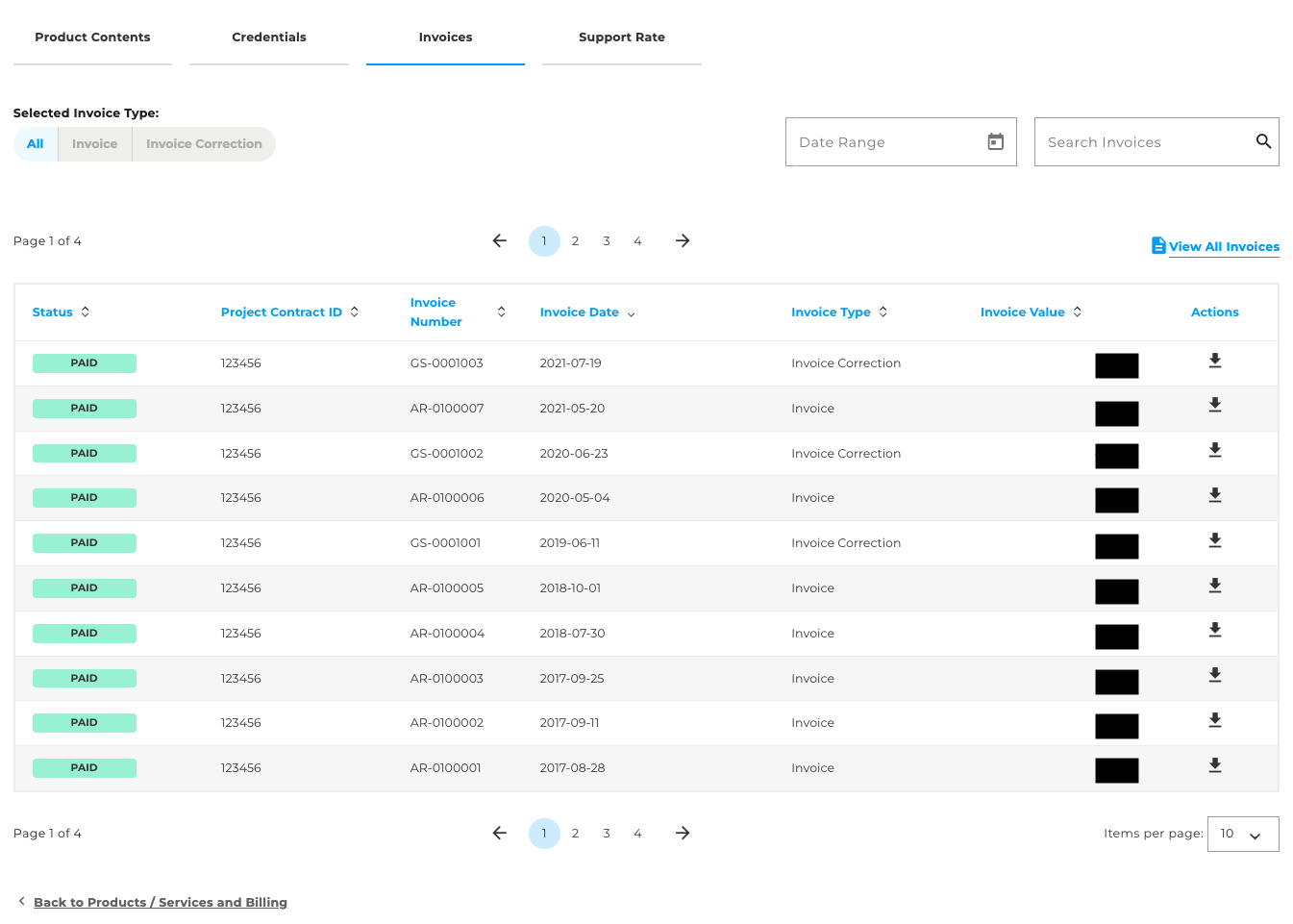
The “Show all invoices” button takes you to the Invoices page, where you will find an overview of all invoices for all products that you have purchased from us.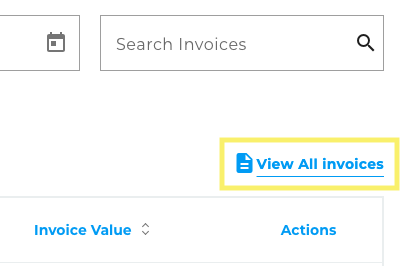
Important information
Information about your consumption data can be found in the product dashboard in the detailed view of the product you have purchased (Level 3). Further information can be found here.